
Troubleshooting
Common server problems by symptom – it will not start, the port is busy, no sign-in, the key is rejected, unreachable from the network – and what to do.
This chapter starts from the symptom: find what you see in the tables; the right-hand column gives the cause and what to do. For almost every problem, the service's log tells you the most, so the first section explains where to find it.
The log first
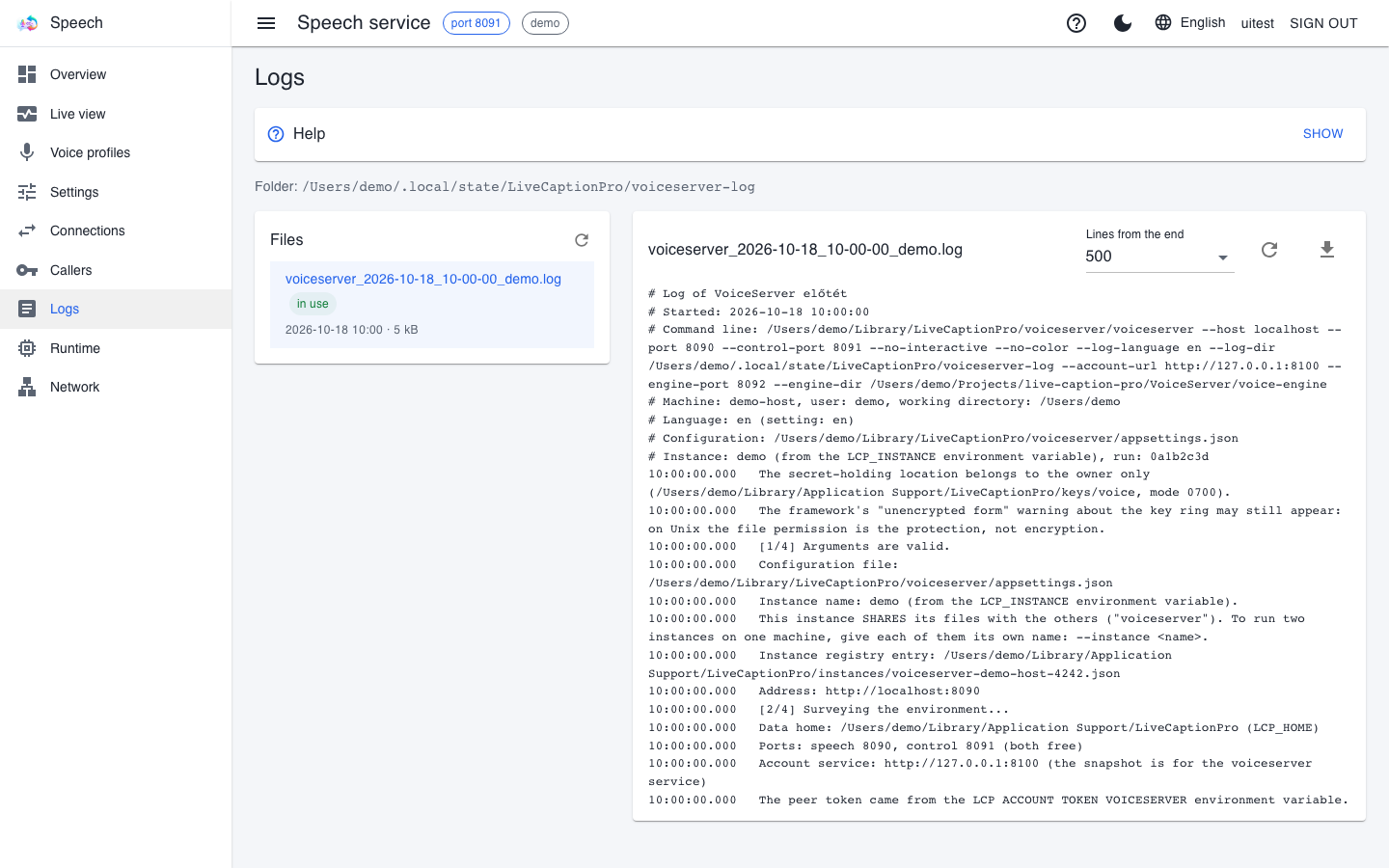
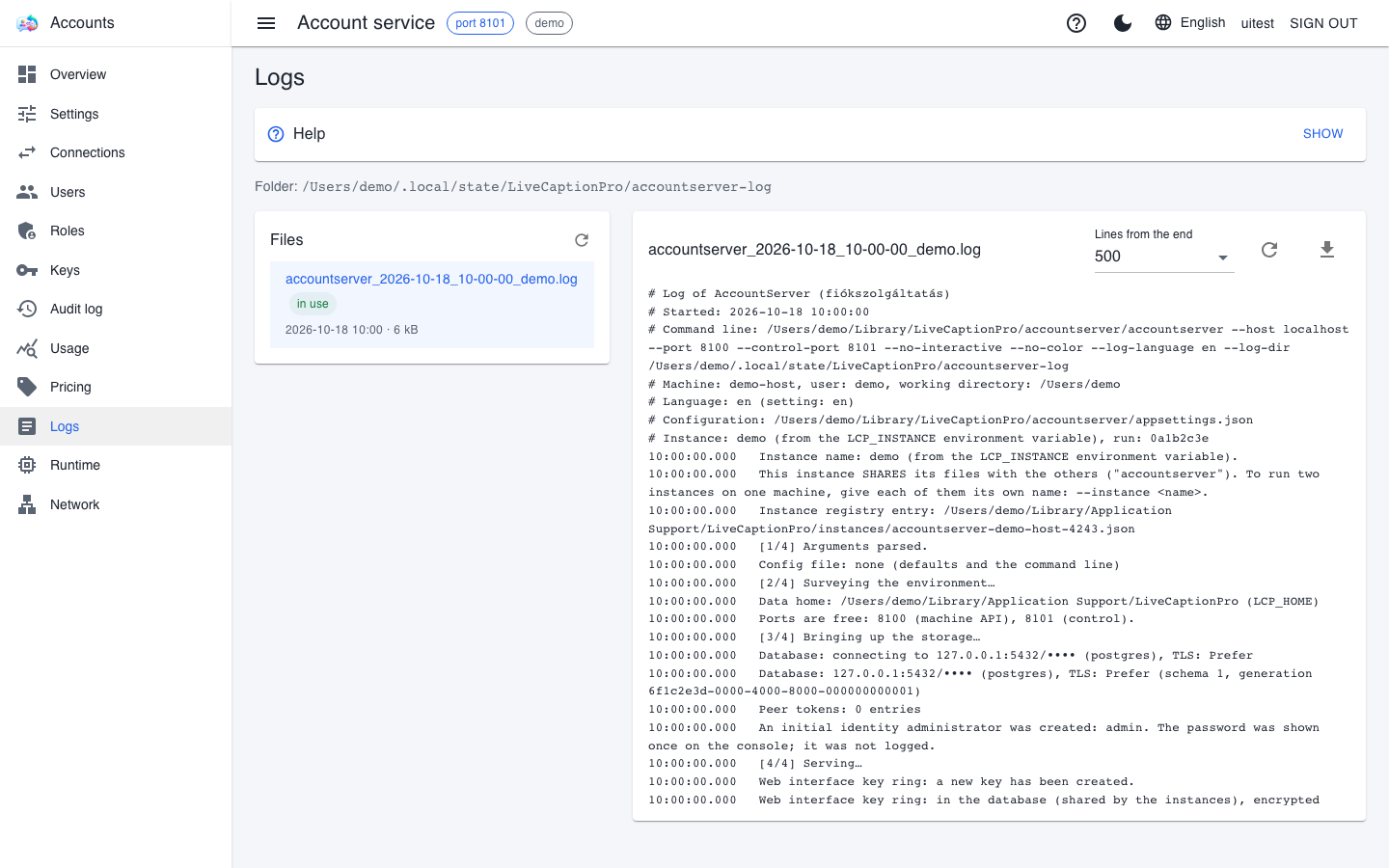
On every service's web interface, the Logs page shows the service's log files. The full path of the log folder is at the top, the list of files on the left (the "in use" tag marks the file being written), and the end of the selected file on the right.
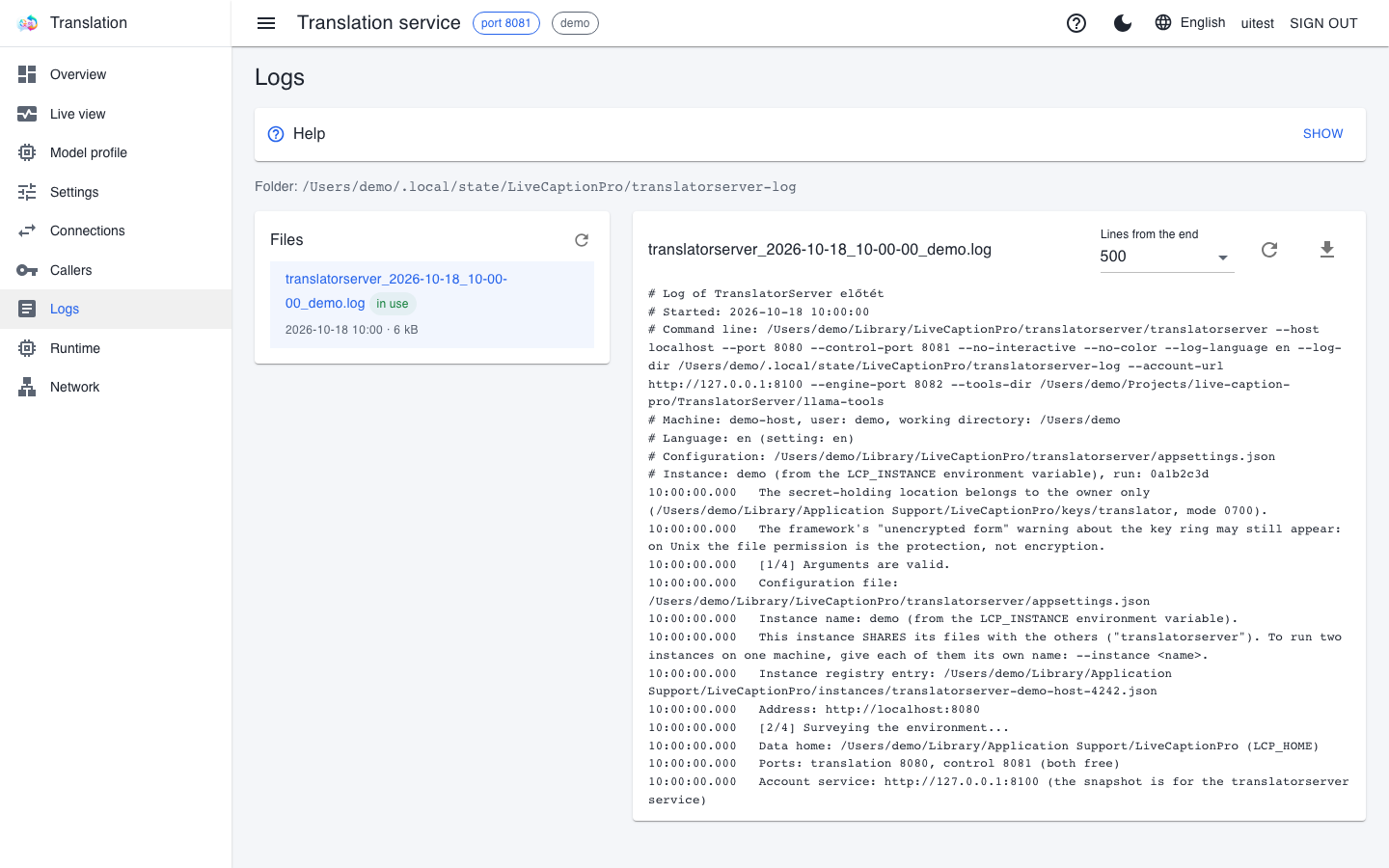
- Lines from the end sets how many lines are shown; the refresh button brings the latest end, the download button gives the whole file – with secrets (keys, passwords) masked.
- Every start opens a new file; its header also records the full command line, the machine, the language and the configuration file.
- Requests get one summary line each, with the response code and the caller's name – so a rejected key can be traced back too.
If the interface cannot be reached (because the service did not even start), look for the log in the file system:
| Where it runs | Where the logs are |
|---|---|
| Windows, from the console | %TEMP%\LiveCaptionPro\<folder>, or under the data root when LCP_HOME is set |
| macOS and Linux, from the console | ~/.local/state/LiveCaptionPro/<folder>, or under the data root when LCP_HOME is set |
| as a system service | the service's own folder (see Running as a service); on Linux journalctl shows it too |
The folders are named server-log (caption service), translatorserver-log (translator), voiceserver-log (voice service; the speech engine has a log of its own, shown on the Runtime page) and accountserver-log (account service). The log language is a separate setting: it follows the machine's language or the LCP_LANGUAGE variable, not the interface's.
The service does not start
| Symptom | Cause and what to do |
|---|---|
| the port is taken | the service tells you what is using the port. Often an earlier instance is still running: stop it, or start with another port |
| the account service's address is missing | LCP_ACCOUNT_URL is mandatory; AccountServer\setup-account-peers -Activate sets it. Then restart every window: the variable does not reach processes already running |
| the account service finds no database, or reports "no default binding" | the connection string lives in a binding's variable (LCP_DB_<NAME>), and LCP_DEFAULT_DB names the default one. The AccountServer\managed-postgres launcher creates the product's own local database; maintenance\db-default -Name <NAME> switches to an existing one |
| the account service stops after a minute of waiting | the database is unreachable: the PostgreSQL container is not running, or Docker Desktop has not been started. AccountServer\managed-postgres.ps1 -Status tells you the situation |
| the account service reports a wrong database password | if you just changed the password, open a new window: open windows keep the old value |
| the account service stopped while running: "the database has changed" | the database was restored or recreated; start it again (see Maintenance, backup and lockout) |
| the voice service reports a missing engine environment | the engine's Python environment is built by VoiceServer\prepare-engine.ps1 (a download of several gigabytes, so it asks first); the launcher offers it |
| it does not start after a saved setting | start it once with the --ignore-saved switch and fix the value on the Settings page |
| the caption service finds little video memory | the order was reversed: the caption service must start last, after the translator and the voice service |
Sign-in and permissions
| Symptom | Cause and what to do |
|---|---|
| nobody can sign in to any service's interface, but key-borne traffic flows | the account service or its database is unreachable: during the outage there are no new sign-ins, while signed-in sessions carry on. Start it and check its log |
| the administrator's password is lost | on the account service's machine, the AccountServer\maintenance\admin-password launcher sets a new one |
the service rejects a freshly issued key with 401 |
wait half a minute for the authorization snapshot to refresh; the key should then appear on the service's Callers page |
| a service rejects every key | it has no peer token, or the account service does not accept it: AccountServer\setup-account-peers -Check tells you. After a new database, -Replace issues new ones |
| an action on the interface is "refused" | the user lacks the permission, or the action requires a real sign-in (elevation) and the page was opened through local trust. The Audit log shows the reason |
| a red bar on the Callers page: stale authorization snapshot | the service has not received a fresh snapshot for more than 24 hours: the account service is unreachable or does not accept its peer token |
Network and encryption
| Symptom | Cause and what to do |
|---|---|
| the workstation gets "no response" | the service only listens locally, or the firewall drops the connection. Check the addresses and the firewall rule on the Network page (see Remote GPU server) |
| adding a firewall rule never completes | the administrator confirmation (UAC) is waiting on the service's machine: it has to be accepted there |
| on Windows the rule exists, yet the service is unreachable | the network is classified as Public, while the rule applies to private and domain networks; mark the network as private |
| on macOS the service cannot reach the other machine or the network database | the Local Network permission is missing (System Settings → Privacy & Security → Local Network), or the application firewall does not allow the program |
| LiveCaption rejects a certificate it accepted before | the fingerprint changed: the certificate was regenerated, the machine's address changed – or a different machine is answering. Compare the fingerprint with the one printed on the service's machine before accepting it again |
| a warning bar on every page: unencrypted remote interface | the web interface is reachable from the network without encryption, and the password travels in readable form; turn on encryption or put it behind a reverse proxy |
Installed as a system service
| Symptom | Cause and what to do |
|---|---|
| the service restarts every minute | it exits with a runtime failure (exit code 4), and the system retries a minute later. The service's log tells you why – most often the database or the account service is unreachable |
| the service stopped and does not restart | it exited with a usage error (exit code 1), for example because of a wrong switch; fix the installer command and run it again |
| the installer refuses: another instance or the other macOS variant is already registered | one instance per machine can be installed, and a service cannot be both a LaunchDaemon and a LaunchAgent; remove the existing one first |
| the daily launcher does not start the service, it only prints a command | the service is installed; the daily launcher does not start a console twin next to it – manage it with the printed command |
| a maintenance launcher's change does not show up in the service | the launcher worked on a different database than the service; run the db-check launcher and see which database it prints |
If your symptom is not here
The website's guides also include a symptom-based Troubleshooting guide, covering problems with captions, translation and the interpreter. If it is not there either, write to us on the Contact page – the service's log and the output of the check commands (livecaption --check, captionclient --check) help a lot.