
Live captions · translation · interpreting
Captions, translation and an interpreter over your calls – on your own machine.
Live Caption Pro transcribes, translates and speaks the translation locally – even in the speaker's own voice. The internet is needed once, to download the models.
Request a quote See how it works
Windows 11 or 10 · macOS 14.2 or later on Apple silicon · local or on your own network · no cloud, no subscription
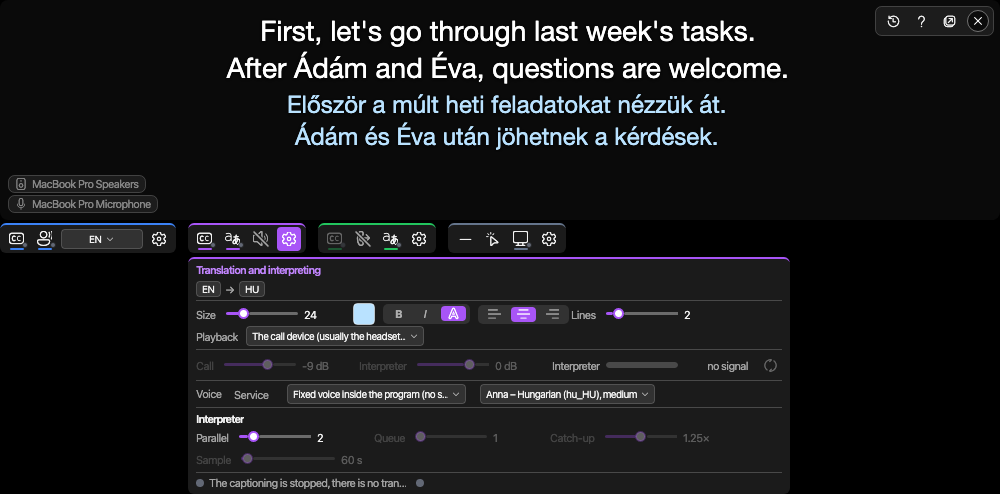
Menjünk végig a számokon, mielőtt döntünk. Let's go through the numbers before we decide.
Rendition. The real window is transparent, always on top and excluded from screen sharing.
Measured on: NVIDIA GeForce RTX 5090, Intel Core i9-13900K, 128 GB RAM
Use cases
Three ways to use it
Incoming
What the other party says, you read as captions and as a translation – and, if you want, you hear it too, in the speaker's cloned voice or a built-in one.
Outgoing
What you say, the other party hears in their own language, in your voice – through a virtual microphone in the call application.
Batch, from the command line
Subtitle a whole folder of videos to SRT, or translate subtitle files – with the same local models, without the caption window.
How it works
One application, backed by services you run yourself.
The caption server splits the audio into sentences and transcribes it, the translator translates each sentence, the voice service speaks it. The application on your machine talks to all of them; each one can run here or on another machine on your network, and the account service holds the users and keys.
- accountserver AccountServer The account service: users, roles, API keys, audit log and usage metering
- translatorserver TranslatorServer The translator: translates each sentence with TranslateGemma
- voiceserver VoiceServer The voice service: speaks the translation, optionally in the speaker's cloned voice
- captionserver CaptionServer The caption server: splits the audio into sentences and transcribes it (Whisper)
Self-hosted
The audio never leaves your network.
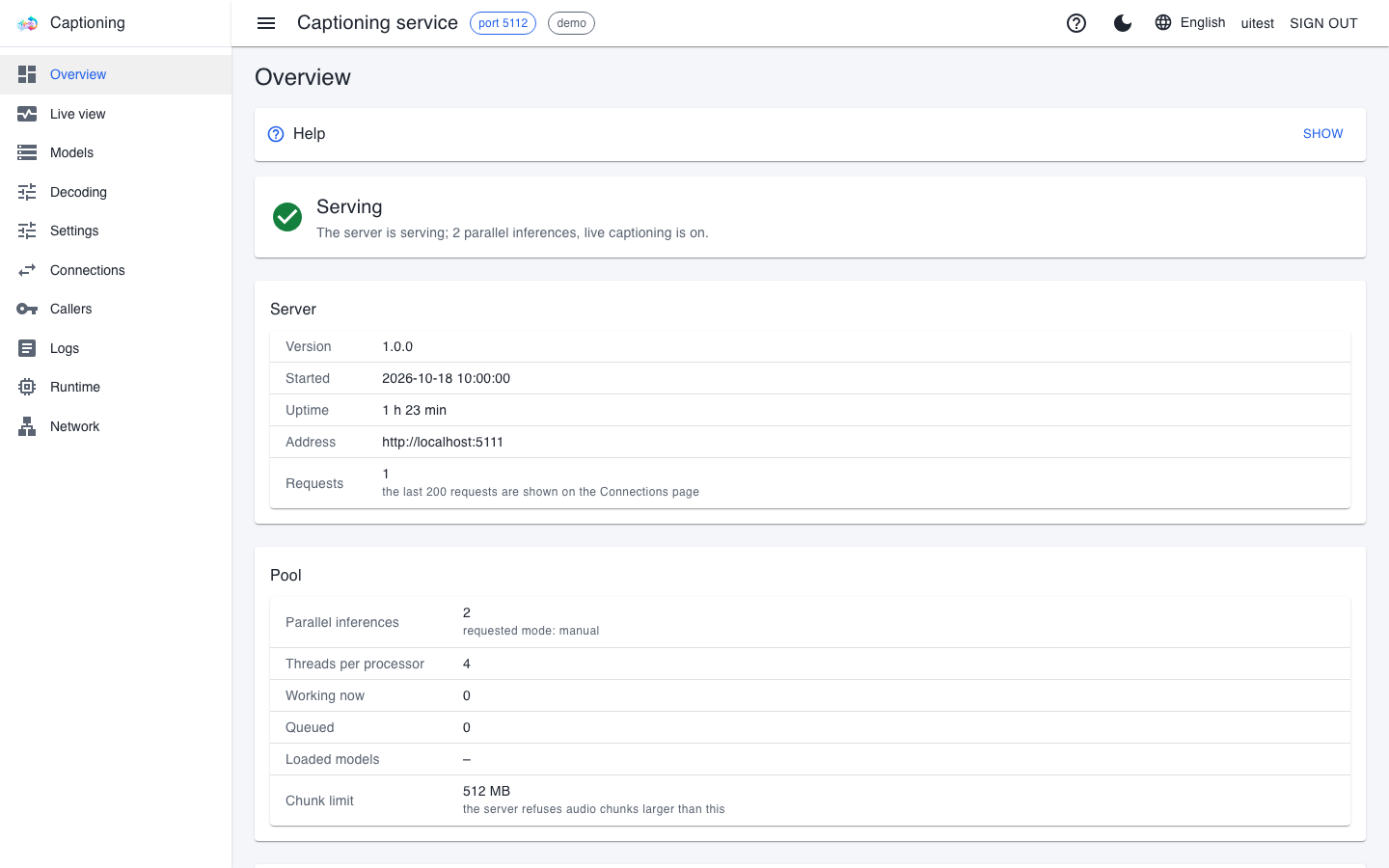
Every service has a web console – status, live load, callers, logs and settings – and each one can also run as a system service on Windows, Linux and macOS.
- No cloud calls during processing: transcription, translation and voice are produced on your own machines.
- Several instances on several machines: the clients take an address list, choose by load and move on to the next address when one drops out.
- Per-user keys and logged access: the account service manages users, keys and permissions, and keeps an audit log.
Measurements
Measured, not promised
Every number comes from a real measurement, together with the machine and the conditions it was measured under.
| What we measured | Result | Under what conditions |
|---|---|---|
| First translated word | 62 ms | TranslateGemma 12b Q8, 20 sentences; the whole sentence in 270 ms, 19 of 20 flawless. For comparison, the cloud model gpt-4o-mini took 1106 ms to the first word. |
| Transcribing 6.3 s of speech | 108 ms | Whisper large-v3-turbo on the GPU, through the caption server. |
| Sentence end to the interpreter's first sound – in-process voice | 0.99 s | Median of the 24 spoken sentences (13 of 37 skipped under load); 95th percentile 5.56 s. Piper voice, no GPU needed for the voice. |
| Sentence end to the interpreter's first sound – cloned voice | 2.93 s | Median of the 22 spoken sentences (16 of 38 skipped under load); 95th percentile 6.86 s. XTTS-v2 in the voice service. |
| Video memory for the three engines together | 22.3 GB | Measured on one machine with the largest translator model. On a 20 GB card the translator runs as 12b Q4_K_M (measured 7.5 GB), on a 32 GB card as 12b Q8_0. |
| Languages the caption server recognizes | 99 | Whisper; automatic detection, or a fixed language and a candidate list. |
| Languages of the in-process voice | 42 | Piper voices, 50 language variants; no graphics card needed. |
Measurement machine: NVIDIA GeForce RTX 5090, Intel Core i9-13900K, 128 GB RAM; September 2026. Other machines give other numbers; this page publishes no numbers measured on a Mac. The interpreter timings are medians (p50): half of the sentences were faster; the 95th percentile and the share of sentences skipped under load are on the How it works page.
What to know up front
What machine does it need?
The caption window runs on Windows x64 (Windows 11 or 10) and on Macs with Apple silicon (macOS 14.2 or later). On Windows the services are fast with an NVIDIA graphics card, on a Mac with the Metal acceleration and unified memory of Apple silicon; without a graphics card the caption server and the translator run on the CPU, more slowly. The services do not run on an Intel-based Mac. The first installation needs the internet for the tools and the models; after that everything runs locally. Installation
Can I download it yet?
There is no public download yet: access is given on request.
What licence covers the voice cloning?
The voice service's current engine, XTTS-v2, is under a non-commercial licence; it is being replaced before commercial release. The licensing page says exactly what this covers. Licensing